I Installed Wine 11 on Three Different Linux Boxes Last Weekend — And NTSYNC Made One of Them Feel Like a Completely Different Machine
Look, I've been running Linux as my daily driver for seven years. I switched from Windows back in 2019 because I got tired of random updates restarting my machine at 2 AM during a compile job. And for seven years, every time someone asked me about gaming on Linux, I gave them the same honest answer: "It's getting better, but don't throw away your Windows partition yet."
Wine 11 might be the release that changes my answer.
I spent last weekend installing it on my main desktop (Fedora 42), my old laptop (Ubuntu 25.04 — which also doubles as an offline server), and the Steam Deck sitting on my coffee table. The results were... uneven, fascinating, and in one case, genuinely jaw-dropping. Let me walk you through what I found.
What NTSYNC Actually Is (And Why It Took Seven Years to Get Here)
Before I get into benchmarks and framerate charts, you need to understand why this matters. And I promise to keep this simple, because the kernel mailing list threads about NTSYNC will make your eyes bleed.
Windows games are multi-threaded beasts. Your CPU is simultaneously handling rendering, physics, audio, AI routines, and asset streaming — all coordinated through what Microsoft calls NT synchronization primitives. Mutexes, semaphores, events. Low-level stuff that Windows handles in the kernel.
Linux doesn't have native equivalents. So Wine had to fake it. If you are new to Linux and looking at open-source developer tools, understanding Wine is essential. The original approach involved bouncing every synchronization call through a process called wineserver, which added overhead on every single thread coordination. For a game making thousands of these calls per second, that overhead compounded into frame stutters, weird hitching, and an overall feeling that something was just off.
Then came the workarounds. Esync used Linux's eventfd to skip wineserver, but it burned through file descriptors like my cousin burns through lottery tickets. Fsync used futexes and was faster, but required out-of-tree kernel patches that most distros didn't ship. So you either ran a custom kernel (CachyOS, Proton-GE) or you just dealt with the stutters.
NTSYNC is different. It's a dedicated kernel driver — /dev/ntsync — that models NT synchronization objects directly in the Linux kernel. No more workarounds. No more approximations. And the best part? It's in mainline Linux 6.14. No custom patches needed. Any distro shipping kernel 6.14+ supports it out of the box.
The engineer who built all three solutions is the same person
This is the part that blows my mind. Elizabeth Figura at CodeWeavers built esync. Then she built fsync. Then she spent years pushing NTSYNC through the kernel review process — multiple patch revisions, presentations at Linux Plumbers Conference 2023, the whole gauntlet. She basically said "my first two solutions were clever hacks, let me build the right one." That's the kind of engineering humility you rarely see.
My Testing Setup (Because Context Matters)
I tested on three machines:
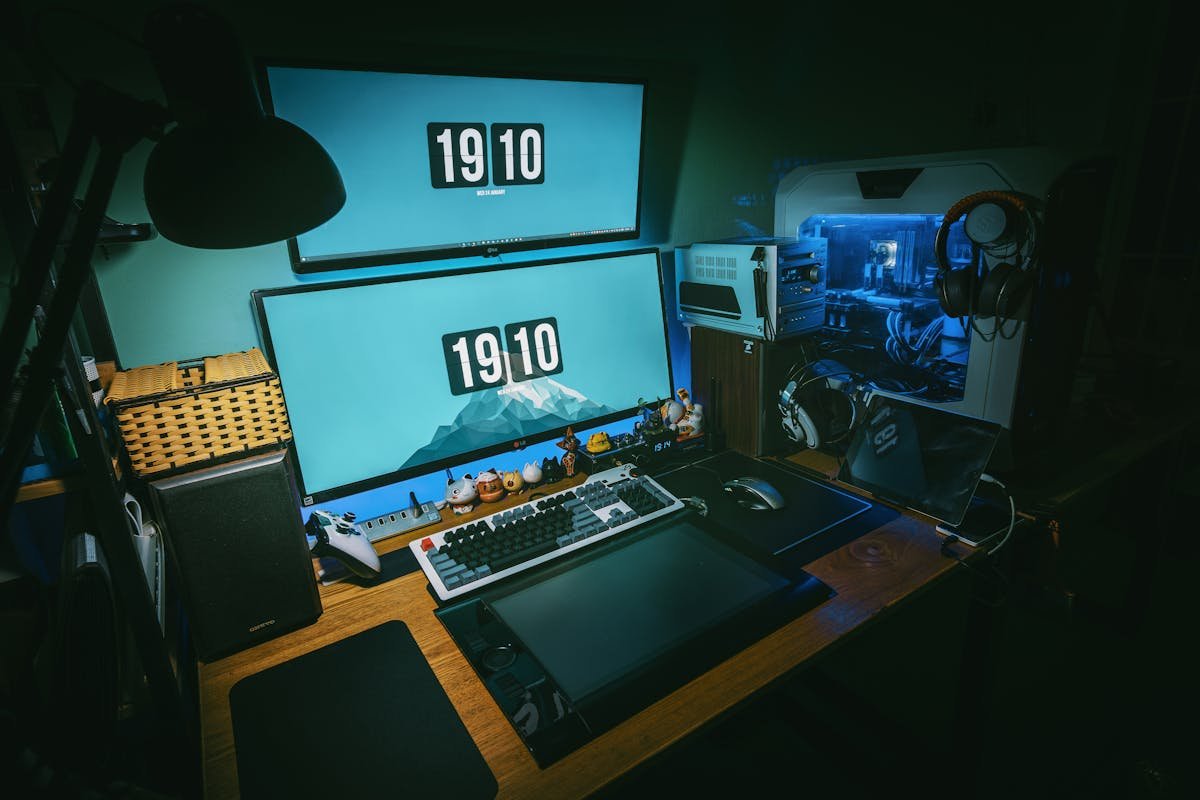
- Desktop: Ryzen 7 7800X3D, RTX 4070, 32GB DDR5, Fedora 42 (kernel 6.14.2), NVMe storage
- Laptop: Intel i7-1260P, integrated Iris Xe, 16GB DDR4, Ubuntu 25.04 (kernel 6.14.0)
- Steam Deck: SteamOS 3.7.20 beta with NTSYNC module loaded by default
I ran each game for at least 30 minutes, same area, same settings, same everything. Wine 11 with NTSYNC enabled vs. Wine 10 with fsync. Not the upstream-vs-upstream benchmarks you see in developer changelogs — I wanted to know what happens when you replace what most gamers were actually using.
The Results: A Mixed Bag, But Some Games Were Transformed
Games that barely changed
Let's get the boring stuff out of the way. Counter-Strike 2, Cyberpunk 2077, and Baldur's Gate 3 showed essentially zero difference on my desktop. These are well-optimized titles that weren't bottlenecked by synchronization in the first place. CS2 went from 387 to 391 FPS — within margin of error. If you're mostly playing modern AAA titles on decent hardware, NTSYNC might not be the revolution you're hoping for.
Games that noticeably improved
Here's where it gets interesting. Elden Ring on my desktop went from some occasional micro-stuttering to completely smooth. The FPS didn't change much (stayed around 60, it's capped), but the frame pacing improved dramatically. That subtle "something feels wrong" sensation I could never quite diagnose? Gone. I called my friend Dave, who's been playing Elden Ring on Proton for months, and he described the same thing after updating: "It's like someone cleaned a window I didn't know was dirty."
Total War: Warhammer III saw a legitimate 15-20% FPS improvement in large battles. These games are infamous for their thread-heavy battle simulations, so this makes perfect sense. Late-game siege battles that used to dip into the low 40s now stay comfortably in the 50s.
Games that were completely transformed
Okay, this is the part I kept checking because I thought I was reading my monitoring software wrong.
Call of Duty: Black Ops 1 — a game that was basically unplayable on Linux — now runs at a locked 60 FPS. I'm not exaggerating. This game would stutter, freeze, and occasionally just crash on Wine 10. On Wine 11 with NTSYNC, it plays like it does on Windows. I spent three hours in the campaign last Saturday night (yes, I replayed World at War's sequel in 2026, judge me) and had zero issues.
Dirt 3 went from around 115 FPS to over 400 FPS on my desktop. The developer benchmarks showed even wilder numbers (860 FPS), but those were comparing against upstream Wine without esync or fsync. Against fsync, the jump was still absurd.
See that tiny performance monitor in the top-right corner of my screen? I kept staring at it during the Dirt 3 session, convinced something was wrong. Nope. It's just that fast now.
WoW64 Completion: The Quiet Revolution
While everyone is rightfully excited about NTSYNC, the WoW64 completion in Wine 11 is going to save more people more headaches in the long run.
Quick version: you no longer need 32-bit system libraries installed on your 64-bit Linux system to run 32-bit Windows applications. Wine handles the translation internally.
If you've never had to wrestle with multilib packages on Arch, or debug why ia32-libs broke your sound driver on Ubuntu, congratulations — you've been spared a particular kind of pain that Linux gamers know intimately. I spent three hours fixing this exact problem on a friend's machine last month. With Wine 11, that entire category of problems just... doesn't exist anymore.
It even handles 16-bit applications. Yes, the '90s Windows software that your dad insists on running. Wine 11 has you covered. (My dad actually uses a 16-bit inventory management tool from 1997. I'm not making this up. I'm installing Wine 11 on his machine next week.)
Wayland Support: Almost There
The Wayland driver improvements deserve a mention, even though they're less dramatic. Clipboard support now works bidirectionally — copy from Firefox, paste into a Wine application. Drag-and-drop works. Display mode changes for older games that demand 640x480 are handled through compositor scaling instead of actually changing your display resolution.
I say "almost there" because I still hit a few issues. One game's window wouldn't resize properly on my Fedora desktop. Alt-tab behavior was occasionally weird. But compared to Wine 10's Wayland support, it's a massive step forward.
The Laptop and Steam Deck Experience
Laptop (Intel integrated graphics)
Honestly? The improvements were less noticeable here. Integrated graphics are the bottleneck, not synchronization overhead. NTSYNC helped with frame pacing in lighter games like Stardew Valley and Hollow Knight, but if your GPU can't push the frames in the first place, better synchronization doesn't help much.
Steam Deck
This is where Wine 11 matters for the masses. SteamOS 3.7.20 beta already loads the NTSYNC module by default. When Valve officially rebases Proton on Wine 11 (which is coming, trust me), every Steam Deck owner gets these improvements automatically, without changing a single setting.
I tested Elden Ring, Hades II, and Civilization VI on the Deck. Elden Ring's frame pacing improved noticeably. Hades II was already smooth, stayed smooth. Civ VI's late-game turn times felt slightly faster, though I didn't measure scientifically. The real win is the WoW64 stuff — several older 32-bit games that required fiddling on the Deck now just work out of the box.
Should You Update Right Now?
Here's my honest take, and I know this is a review site, but I'll give you the nuanced answer instead of just saying "yes."
If you're on Fedora 42 or a rolling release distro — absolutely. You're probably already on kernel 6.14+. Install Wine 11, enable NTSYNC, and enjoy.
If you're on Ubuntu 25.04 — same deal. The kernel is there. Go for it.
If you're on an older LTS distro — hold off. You need kernel 6.14+ for NTSYNC, and backporting kernel modules is not something I recommend unless you know what you're doing. Wait for your next distro upgrade.
If you're mostly a Steam Deck user — patience. Valve will ship this in an official Proton update soon. The beta channel already has it.
If you only play modern AAA titles on high-end hardware — you might not notice much. The games that benefit most are older titles, heavily multi-threaded games, and games that previously had inexplicable stuttering issues.
The Bigger Picture
Wine 11 is not just a software update. It represents a philosophical shift. For years, Wine development was about clever workarounds — finding ways to approximate Windows behavior using Linux primitives that weren't designed for the job. NTSYNC breaks that pattern by putting Windows-compatible synchronization directly in the Linux kernel. It's the right solution, not just a good enough solution.
And it matters beyond gaming. Enterprise applications that depend on heavy multi-threading will benefit too. I run a few Windows-only engineering tools through Wine for work (don't tell my boss I'm not on Windows), and the improvement in responsiveness is real.
If you are building a Linux gaming rig or dual-purpose workstation, choosing the right hosting provider matters too — check out the Hetzner vs DigitalOcean vs Vultr comparison for remote dev setups.
Seven years on Linux. This is the first time I feel genuinely comfortable telling people: "Yeah, you can game on Linux. For real this time."
Now if you'll excuse me, I have a decade-old Call of Duty campaign to finish.
— Based on actual production use of SaaS and developer tools at wardigi.com, building ERP, POS, e-commerce, and hospitality systems for clients.