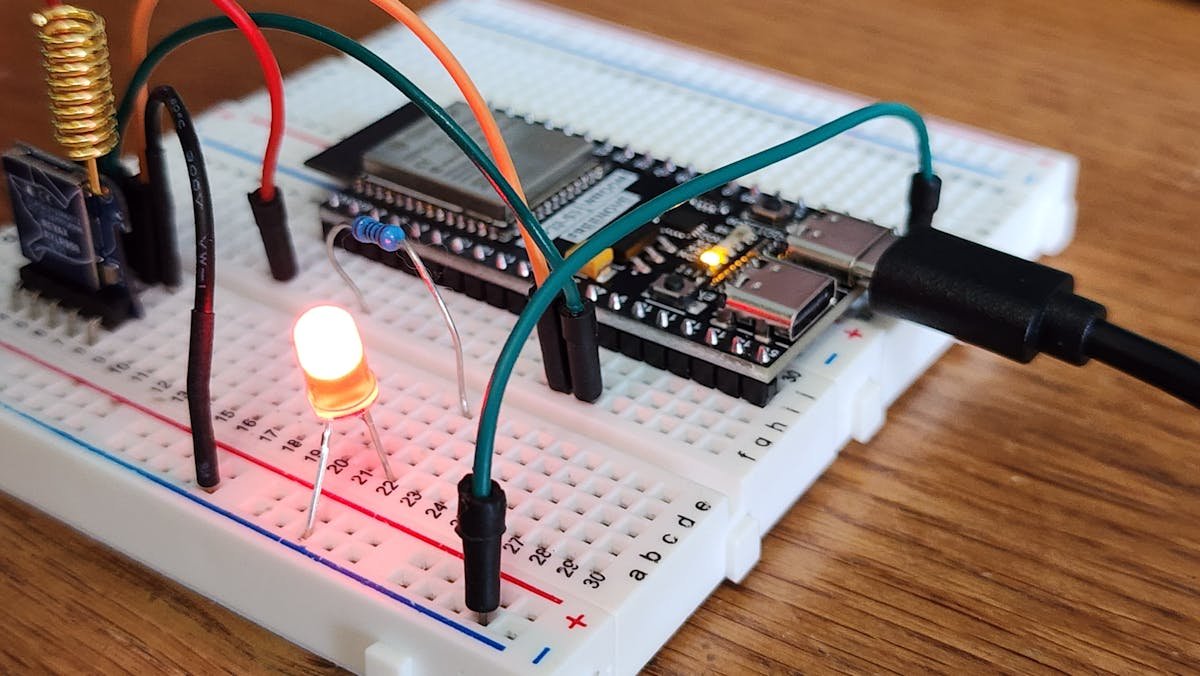
I was halfway through soldering a replacement ESP32 board at my desk last Tuesday — the third one I'd fried this month, because apparently I can never remember to check the voltage regulator before connecting USB power — when a friend pinged me on Discord: "Have you seen Velxio 2.0?"
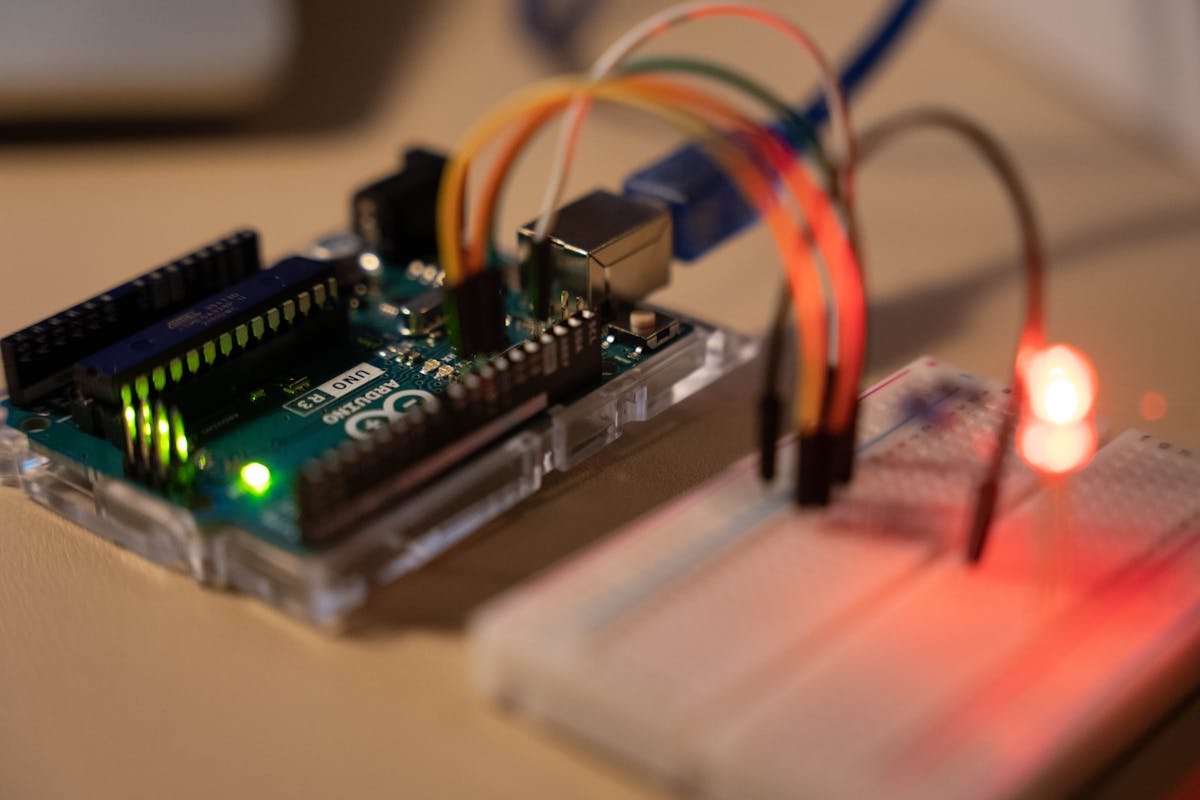
I hadn't. But twenty minutes later, I was running an Arduino Uno sketch in my browser tab, watching virtual LEDs blink in perfect sync, and seriously questioning every dollar I've spent on hardware this year.
What Velxio 2.0 Actually Does (and Why It Matters for Prototyping)
Velxio is an open-source, browser-based emulator that supports 19 different microcontroller boards across five CPU architectures. Not "sort of simulates." Actually emulates. We're talking AVR8 for Arduino, ARM Cortex-M0+ for Raspberry Pi Pico, RISC-V for ESP32-C3, Xtensa via QEMU for the regular ESP32, and ARM Cortex-A53 for the Raspberry Pi 3 running actual Linux.
The 2.0 release that hit Hacker News this week (167 points and climbing) added the Raspberry Pi 3 emulation, which is the big deal. You can boot a full Linux environment inside a browser tab, on the same canvas where your Arduino is blinking an LED. Two completely different architectures, communicating over virtual serial. No physical wires. No USB debugging. No "why is my COM port not showing up" frustration at 1 AM.
I Tested It Against Wokwi — Here's What Actually Happened
If you're in the embedded space, you've probably used Wokwi at some point. It's the most popular browser-based Arduino simulator, and it's genuinely good. So the first thing I did was run the same sketch on both platforms.
The sketch was simple: read an analog sensor (potentiometer), print values to serial, and toggle an LED when the reading crossed a threshold. Nothing exotic.
Wokwi: Loaded in about 3 seconds. Simulation ran smooth. Serial output appeared instantly. Component library is polished and the UI feels like a finished product.
Velxio 2.0: First load took around 7 seconds (it pulls the WASM compiler on first visit). After that, compilation and simulation start was closer to 4 seconds. The component picker shows 48 options with visual previews — more than Wokwi's free tier offers. Serial output worked identically.
Where Velxio pulled ahead was the multi-board scenario. I connected a Raspberry Pi Pico and an Arduino Uno on the same canvas, wired them together over virtual UART, and had the Pico reading sensor data that the Uno was generating. Doing this in Wokwi requires their paid "Logic Analyzer" features, and even then you can't mix architectures as freely.
The 48-Component Library Is the Sleeper Feature
Everyone's talking about the Pi 3 emulation, but the component library is what actually saves time day-to-day. Velxio 2.0 ships with:
- Sensors: HC-SR04 ultrasonic, DHT22 temperature/humidity, potentiometers, photoresistors, PIR motion
- Displays: ILI9341 TFT (240×320, full color), SSD1306 OLED, HD44780 LCD, 7-segment
- Communication: Virtual serial (UART between boards), SPI, I2C
- Actuators: Servos, DC motors, stepper motors, buzzers, relays
- Input: Buttons, keypads, rotary encoders, DIP switches
My colleague Sandra — who teaches an intro to embedded systems course at a community college — has been fighting with Tinkercad Circuits for two years because it's the only free option with enough components. She tried Velxio yesterday and immediately started migrating her lab assignments. "My students can't fry a virtual board," she said, which honestly should be the project's tagline.
Self-Hosting With Docker: Easier Than You'd Expect
If you're exploring AI-powered embedded prototyping, our sister site covered running large AI models locally on a MacBook — useful context for when your emulated boards need an AI backend.
If you're exploring AI-powered embedded prototyping, our sister site covered running large AI models locally on a MacBook — useful context for when your emulated boards need an AI backend.
If you're exploring AI-powered embedded prototyping, our sister site covered running large AI models locally on a MacBook — useful context for when your emulated boards need an AI backend.
If you're exploring AI-powered embedded prototyping, our sister site covered running large AI models locally on a MacBook — useful context for when your emulated boards need an AI backend.
If you're exploring AI-powered embedded prototyping, our sister site covered running large AI models locally for context when your emulated boards need an AI backend.
If you're worried about depending on velxio.dev staying online (fair concern for any classroom or workshop), the Docker setup is literally one command:
docker run -d -p 3080:80 ghcr.io/davidmonterocrespo24/velxio:master
I spun it up on a $5/month VPS running Ubuntu 24.04. The container idles at about 120MB of RAM. That's it. No database, no external API calls, no license keys. Everything runs client-side in the browser; the server just serves static files. (If you need help picking a VPS for this kind of lightweight self-hosting, I wrote about setting up remote dev environments on a $12 VPS last week.)
Where Velxio Falls Short (For Now)
Look, I'm not going to pretend this is perfect. A few things that bugged me:
No Wi-Fi simulation. The ESP32 is right there, but you can't simulate HTTP requests or MQTT. For IoT projects, this means you're still going to need physical hardware for the networking layer. Wokwi's paid tier handles this with their "Gateway" feature.
Library installation is manual. The Arduino Library Manager loads the full index on open, which is nice, but some libraries with hardware-specific dependencies just won't compile. I tried FastLED and got a wall of errors related to missing SPI definitions for the emulated AVR target.
Documentation is sparse. There's a README on GitHub and a Discord server. That's about it. If you're a teacher building a curriculum around this, you're writing your own guides.
Performance with complex sketches. The Pi 3 emulation via QEMU-in-WASM is genuinely impressive, but it's not fast. Booting the full Linux image takes 30-40 seconds in my browser (Chrome 133, M1 MacBook). Once booted, Python scripts ran fine, but don't expect to be doing real-time signal processing.
Who Should Actually Care About This
Three groups, specifically:
1. Educators. If you teach any kind of hardware course and your students are breaking $30 boards every semester, this pays for itself in the first week (it's free, so... immediately). The multi-board canvas means you can demonstrate I2C and SPI communication without needing six pieces of hardware connected by a rats' nest of jumper wires.
2. Rapid prototypers. If you're testing a concept before ordering PCBs, running it in Velxio first saves a manufacture cycle. I've personally wasted two weeks waiting for boards from JLCPCB only to discover a pin mapping error that I could've caught in five minutes of emulation.
3. Remote embedded teams. If your team is distributed and you can't ship identical hardware kits to everyone, a self-hosted Velxio instance means everyone's working on the same "hardware." Combined with AI coding assistants that can read pin diagrams, you've got a surprisingly capable remote embedded dev setup.
The Bigger Picture: Browser-Based Hardware Dev Is Getting Real
Three years ago, running an Arduino sketch in a browser was a novelty. Today, Velxio 2.0 is emulating five CPU architectures simultaneously, with real QEMU-based instruction-level emulation, in a tab next to your email. And it's open source under AGPLv3.
I'm not saying throw away your soldering iron. (Please don't. I need someone to relate to about burning through ESP32s.) But for 80% of the prototyping and testing cycle, the hardware isn't the point — the code and the logic are. And for that, a browser tab works just fine.
Velxio is on GitHub (davidmonterocrespo24/velxio) or you can try it right now at velxio.dev. If you're building with open source tools, it's worth fifteen minutes of your Saturday.
— Written from the perspective of Warung Digital Teknologi (wardigi.com), where we test software in real client deployments rather than demo environments.