Notion vs ClickUp vs Asana vs Monday.com 2026: Which Project Management Tool Actually Wins?
Every team hits the same wall at some point: tasks falling through the cracks, meetings that could have been a shared doc, and three different people maintaining three different spreadsheets for the same project. Project management software is supposed to fix all of that — but picking the wrong one just adds another tool to the pile.
In 2026, four platforms dominate the conversation: Notion, ClickUp, Asana, and Monday.com. Each has grown significantly, each has pushed AI features front and center, and each claims to be the last tool your team will ever need. This comparison cuts through the noise and tells you exactly which one is right for your use case.
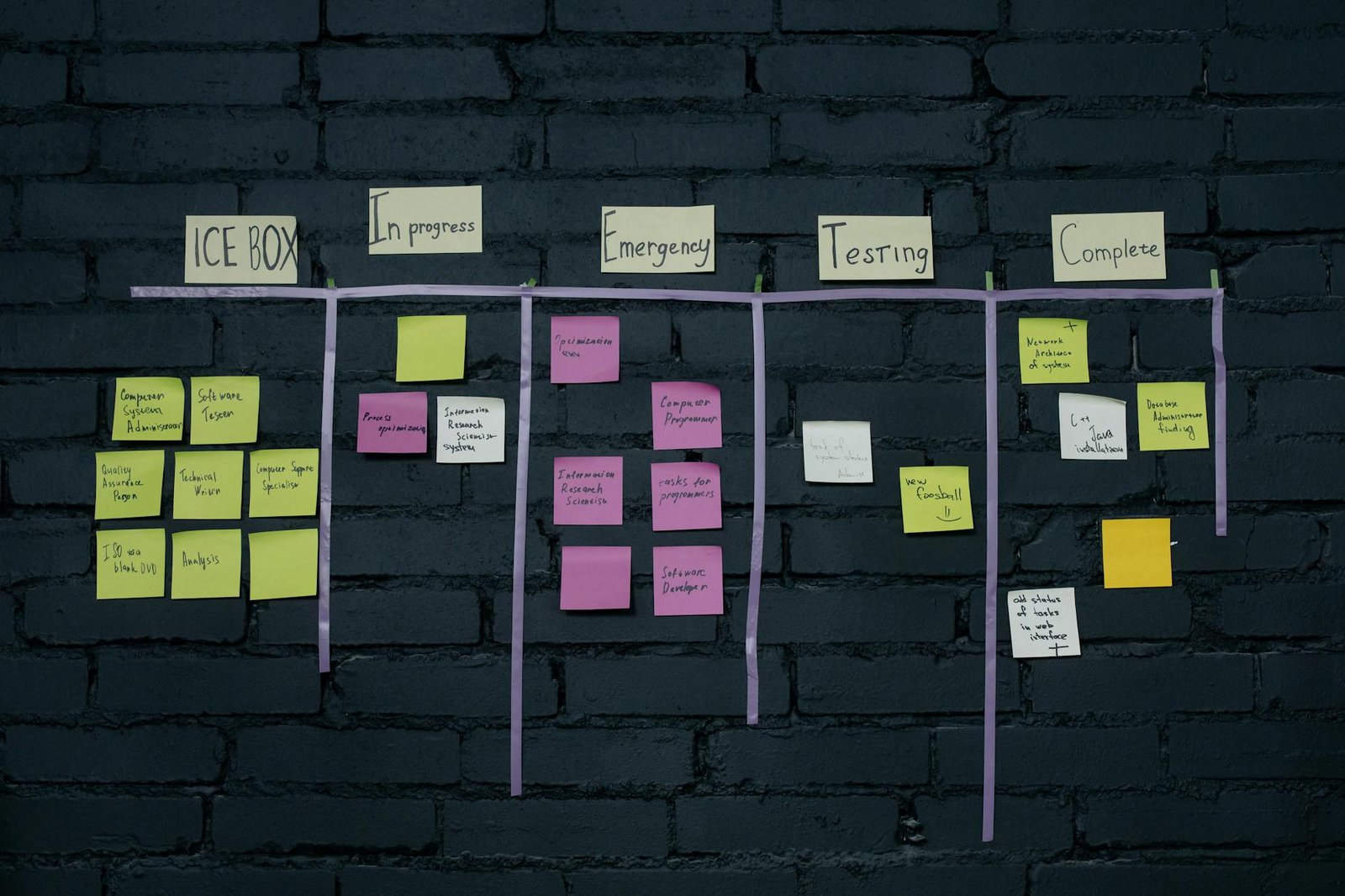
Quick Summary: Who Should Use What
- Notion — Best for knowledge-heavy teams who want docs and databases in one place
- ClickUp — Best for teams that want maximum features at the lowest price
- Asana — Best for structured project execution with clear ownership
- Monday.com — Best for non-technical teams that need fast onboarding and visual workflows
Notion: The All-in-One Workspace That Scales With Your Thinking
Notion started as a note-taking tool and evolved into something harder to categorize. By 2026, it sits at the intersection of wiki, database, and lightweight project manager. Teams that live in Notion rarely leave it — not because they cannot, but because the flexibility to build exactly what you need becomes addictive.
The platform's database system is its core strength. You can create a table of tasks, then switch that same table to a kanban board, a calendar, or a gallery view with a single click. Each entry in a database can hold rich content — embedded docs, images, code snippets, linked records from other databases. This relational data model lets you build internal tools that feel custom-built without any code.
Notion AI has matured into a genuinely useful writing and summarization layer. It can draft meeting notes from a rough outline, summarize a long doc into three bullet points, and autofill database properties using AI. What it does not do is manage your project for you. Unlike ClickUp or Asana, Notion AI will not remind you that a deadline is approaching or flag when a task has been sitting unassigned for a week.
Pricing in 2026: Free plan for individuals. Plus plan at $10/user/month, Business at $18/user/month. Notion AI is an add-on at $8/user/month on any paid plan.
Where it falls short: Notion's project management features require significant setup. Out of the box, there is no built-in time tracking, no native dependency management between tasks, and no resource allocation view. If your team needs structured project execution with clear milestones and risk tracking, you will spend more time building Notion than using it.
ClickUp: The Feature Factory
No platform packs more features per dollar than ClickUp. The 2026 version ships with over 35 ClickApps — modular features you can toggle on or off depending on your workflow. Time tracking, custom task statuses, workload views, sprint planning, goals, whiteboards, and a fully integrated document editor are all included. For teams coming from a stack of three or four separate tools, consolidating everything into ClickUp often results in immediate cost savings.
ClickUp Brain, the platform's AI layer, is the most ambitious of the four tools reviewed here. It operates across your entire workspace: summarizing tasks, drafting project briefs, answering questions about your workspace data, and generating subtasks from a simple description. The standout feature is AI-powered task creation — describe a project in plain language and ClickUp will scaffold it with tasks, assignees pulled from your team roster, and due dates based on workload.
The platform's flexibility is also its biggest risk. New users routinely describe ClickUp as overwhelming. The settings panel alone has dozens of pages, and onboarding a non-technical team without someone who owns the configuration often results in a messy workspace that nobody trusts. ClickUp acknowledges this and has been investing in guided setup flows, but the learning curve remains steeper than Monday.com or Asana.
Performance has historically been a weak point. Large workspaces with thousands of tasks and automations can feel sluggish, particularly on web. The 2025 infrastructure upgrade helped, but teams at enterprise scale still report intermittent slowdowns during peak hours.
Pricing in 2026: Free plan available. Unlimited plan at $7/user/month, Business at $12/user/month. ClickUp AI is bundled into the Business plan — no separate add-on fee at that tier.
Where it falls short: The breadth of features creates decision fatigue. Teams without a dedicated ClickUp admin often underuse the platform. Customer support response times at lower tiers can be slow.
Asana: Structured Project Management Done Right
Asana does fewer things than ClickUp, but does them with more precision. The platform is built around a clear mental model: work is organized into projects, projects contain tasks, and tasks have owners, due dates, and dependencies. That structure is baked into every part of the interface, which makes Asana the most reliable tool for ensuring that nothing gets lost and accountability is always clear.
Timeline view — Asana's Gantt-style visualization — remains one of the best implementations in this category. You can map task dependencies visually, drag and drop to reschedule, and see exactly how a delay in one task ripples through the rest of the project. For teams running client deliverables or product launches with hard deadlines, this view alone justifies the subscription.
Asana Intelligence is the most targeted AI implementation of the four tools. Rather than trying to do everything, it focuses on workload management — analyzing your team's current assignments and flagging when someone is overloaded before they burn out. It can also auto-assign tasks based on past patterns, surface at-risk projects based on task velocity, and generate status reports that would otherwise require a project manager to compile manually.
The integration ecosystem is Asana's quiet superpower. Native connections with Salesforce, Jira, Slack, Microsoft Teams, Figma, Zoom, and over 200 other tools mean Asana can sit at the center of a complex toolchain without requiring everyone to work directly inside it. Developers can update Asana tasks from Jira. Sales teams can trigger project creation from Salesforce deals.
Pricing in 2026: Free plan for up to 10 users. Starter at $10.99/user/month, Advanced at $24.99/user/month (AI included). Enterprise pricing on request.
Where it falls short: Asana's document capabilities are minimal compared to Notion or even ClickUp. The free plan is limiting for growing teams, and the jump to Advanced for AI features is a significant price increase. Reporting, while improved, still requires manual configuration for anything beyond basic dashboards.
Monday.com: The Easiest to Love (and to Justify to Your Boss)
Monday.com wins on user experience. The interface is clean, colorful, and approachable in a way that Asana's professional austerity and ClickUp's feature density are not. New team members can start contributing within hours, not days — which matters enormously for organizations that cannot afford a month-long rollout.
The platform's building blocks system — columns, dashboards, automations — strikes a balance between flexibility and structure that most teams find immediately intuitive. You are not starting from a blank canvas like Notion, but you are also not locked into a rigid hierarchy like Asana. Monday.com boards can be adapted for CRM pipelines, content calendars, HR onboarding, and event planning without requiring custom development.
Monday AI in 2026 focuses on automation generation and content drafting. Describe an automation in plain language and it will write the automation rule for you. It can also generate first drafts for task descriptions, summarize board activity, and suggest column configurations based on your board name and initial setup.
The dashboard and reporting layer has improved substantially. Custom dashboards now pull from multiple boards, support calculated metrics, and embed charts that update in real time. For managers who need a single-pane view of team health across projects, Monday.com's dashboards are now competitive with dedicated BI tools for most use cases.
Pricing in 2026: Free plan for up to 2 users. Basic at $9/user/month, Standard at $12/user/month, Pro at $19/user/month, Enterprise on request. AI features available from Standard tier.
Where it falls short: Monday.com's depth thins out at enterprise scale. Complex dependency management, advanced resource planning, and custom reporting still require workarounds. The per-seat pricing adds up quickly for large teams, and the minimum three-seat requirement on paid plans catches solo operators off guard.
Head-to-Head: Feature Comparison
| Feature | Notion | ClickUp | Asana | Monday.com |
|---|---|---|---|---|
| Free plan | Yes (generous) | Yes | Yes (up to 10 users) | Yes (2 users only) |
| AI included in base paid plan | Add-on ($8/user) | Yes (Business+) | Yes (Advanced) | Yes (Standard+) |
| Gantt / Timeline view | Third-party only | Yes | Yes (best-in-class) | Yes |
| Built-in docs / wiki | Core feature | Yes | Limited | Limited |
| Time tracking | No (requires integration) | Yes (built-in) | No (requires integration) | Yes (Pro plan+) |
| Native automations | Limited | Extensive | Good | Good |
| Onboarding ease | Medium | Steep | Easy | Very easy |
| Best for team size | 1-50 | 1-500+ | 10-500+ | 5-200 |
Which One Should You Actually Pick?
Pick Notion if your team's work is knowledge-intensive — you produce a lot of documentation, SOPs, research, and long-form content that needs to live alongside your task tracking. Startups, creative agencies, and consulting teams who need a flexible internal wiki that can also manage projects will find Notion's relational database model uniquely powerful.
Pick ClickUp if you are managing a technical team with complex workflows and you want one tool to replace several. Development teams, operations managers, and anyone who lives in automations will get the most out of ClickUp's depth. Assign someone as the ClickUp admin from day one, or the flexibility will work against you.
Pick Asana if structured project delivery with clear accountability is your primary need. Marketing teams running campaigns, product teams shipping releases, and agencies managing client work all benefit from Asana's combination of timeline clarity and workload intelligence.
Pick Monday.com if you need fast adoption across a team with mixed technical ability. Sales and marketing operations, event teams, and small businesses that cannot afford a long onboarding process will appreciate the visual polish and low floor.
The AI Factor in 2026
All four tools have shipped meaningful AI features in the past 18 months, but the implementations reflect each platform's identity. Notion AI is a writing assistant. ClickUp Brain is an ambitious attempt to make AI the operating layer of your entire work system. Asana Intelligence is a workload analyst. Monday AI is an automation generator.
The honest read: none of them will run your projects for you yet. AI still works best as a force multiplier on work you are already doing — drafting, summarizing, surfacing risks. Teams that approach AI features expecting to reduce project management overhead by 50% will be disappointed. Teams that use them to eliminate the 20 minutes per day spent on status updates and meeting prep will find real value.
Final Verdict
There is no universal winner here. The best project management tool for 2026 is the one your team will actually use consistently — and that depends more on culture and workflow than feature checklists.
If forced to rank by broad applicability: Asana edges out Monday.com for teams with complex delivery needs, ClickUp wins for technical teams who want maximum control, and Notion wins for knowledge workers who think in databases. Monday.com takes the crown for fast, low-friction adoption at small to mid scale.
Start with a free trial of your top two contenders, run a real project through each for two weeks, and make the decision based on what your team gravitates toward naturally. The best software is the one that disappears into your workflow — not the one with the longest feature list.
— Insights from evaluating and integrating software across 50+ client projects at Warung Digital Teknologi (wardigi.com), where production stacks include Laravel, Vue, React, Flutter, and Python.