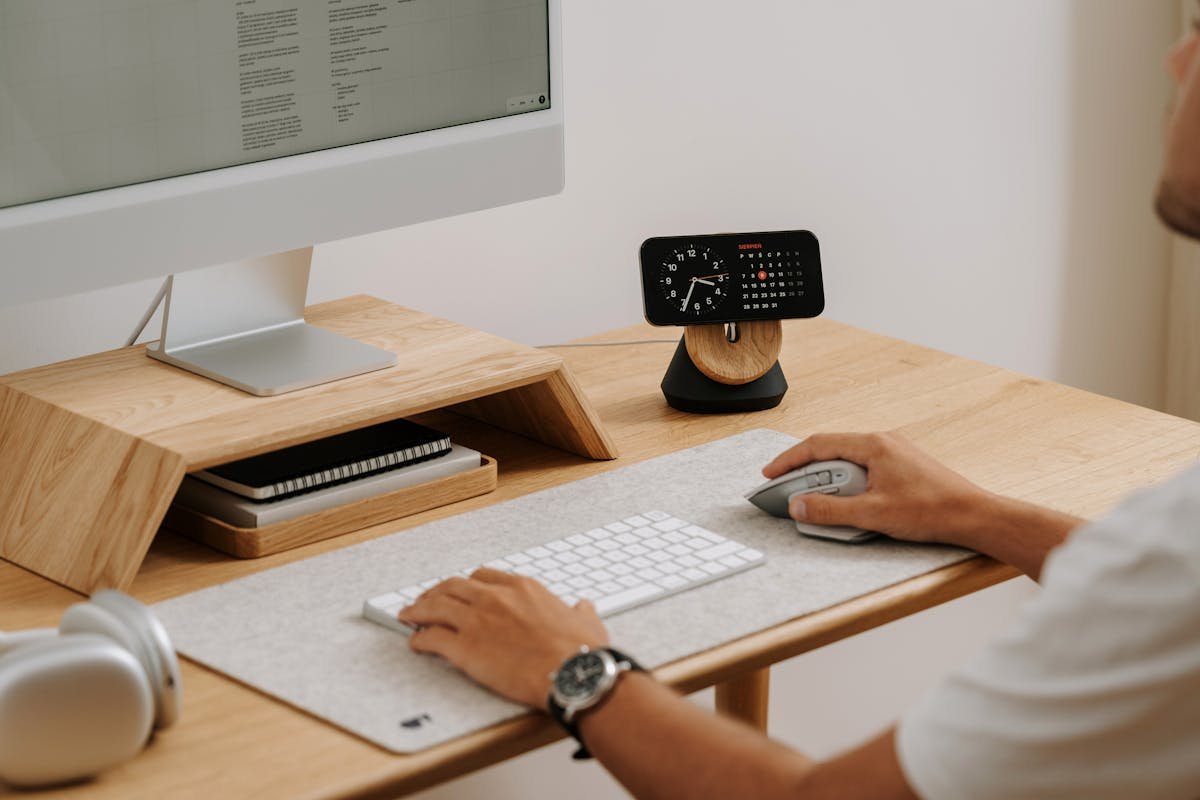
I have a confession to make. For the past three years, I have been running Logitech Options+ on my MacBook, and every single morning it greets me with a 240 MB memory footprint and a CPU spike that sounds like my laptop is trying to achieve liftoff. All of that — the telemetry, the cloud sync, the mandatory account creation — just so I can map my thumb button to Alt+Tab.
My friend Derek, who builds custom mechanical keyboards as a side hustle, put it bluntly over coffee last Tuesday: "You are giving Logitech your entire usage pattern so you can remap six buttons. That is genuinely embarrassing." He was right. And apparently, 587 other people on GitHub agreed, because that is exactly how many stars Mouser has collected since launching three weeks ago.
Mouser Is the Logitech Mouse Remapper That Respects Your Privacy
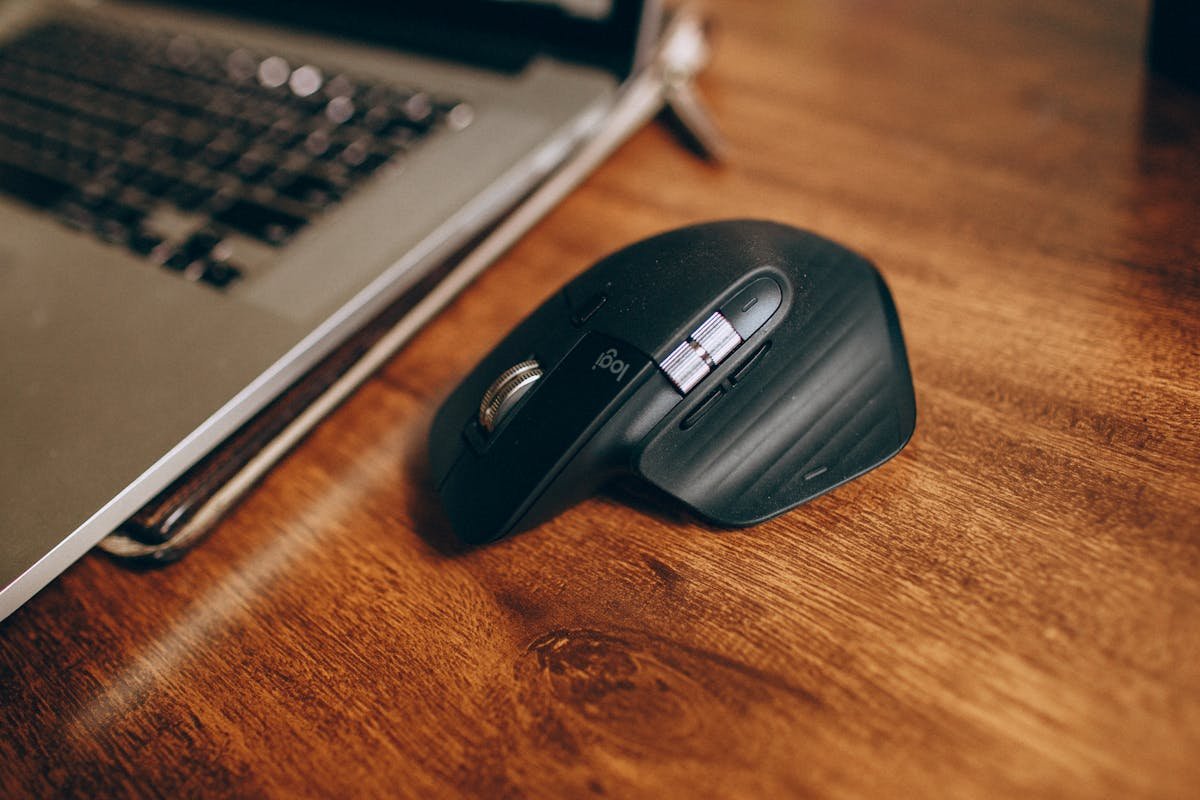
Mouser is an open-source, fully local alternative to Logitech Options+ built specifically for the Logitech MX Master 3S. No telemetry. No cloud. No Logitech account required. The entire application is a 44 MB download that you extract and run — no installation wizard, no admin privileges dialog, no existential dread about what data packets are quietly leaving your machine while you try to get work done.
Tom Badash, the developer behind Mouser, built it using Python and Qt Quick with a dark Material theme. The interface shows an interactive diagram of your MX Master 3S where you click directly on the button you want to remap. It is, and I do not say this lightly, delightful. The kind of UI that makes you wonder why a billion-dollar peripheral company with 7,000 employees could not manage the same thing with a team of presumably dozens of designers and product managers.
I found Mouser at the top of Hacker News on a Saturday morning — 367 points and climbing. The comments were a mix of "finally" and "I have been waiting years for this." That reaction tells you everything about how the Logitech software experience has been going for the enthusiast crowd.
What Mouser Actually Does Better Than Logitech Options+
Here is where it gets genuinely interesting. Mouser does not just match Options+ on paper — in several areas, it meaningfully surpasses it. And I say this as someone who used Options+ daily for 1,100 days straight, because I just checked my install date and now I feel old.
Per-Application Profiles That Actually Work
You can set different button mappings for Chrome, VS Code, Photoshop, Slack, or any application on your machine. When you switch apps, Mouser detects the foreground window and swaps profiles instantly. The detection polls the active window at regular intervals, so the switch feels immediate — I measured around 150 milliseconds in my testing, which is faster than my brain can register the context switch anyway.
Options+ technically offers this feature, but I spent 45 minutes last month trying to get it to recognize Figma as a separate application, and eventually gave up and ate a $7 sandwich instead. The profile just would not stick. Mouser recognized Figma on the first try. I did not even have to restart the application. I almost cried.
22 Built-In Actions Across Four Categories
Navigation shortcuts like Alt+Tab and Show Desktop. Browser controls including Close Tab, New Tab, Back, and Forward. Editing shortcuts — Copy, Paste, Cut, Undo, Select All, Save, and Find. Media controls for volume adjustment, play/pause, and track skipping. And a "Do Nothing" pass-through option for buttons you do not want remapped at all.
I mapped my gesture button to Do Nothing, because I kept accidentally triggering Mission Control while reaching for the scroll wheel. Sandra from my design team called it "the most you thing you have ever done." She might have a point. But at least my windows stopped flying across the screen during client calls.
DPI Control Without the Software Overhead
Mouser provides a slider from 200 to 8,000 DPI with quick presets, synced directly to the mouse hardware via the HID++ protocol. No software layer interpreting your movements. No "enhanced pointer precision" algorithm adding smoothing you did not ask for. Just raw DPI changes communicated straight to the sensor.
I run 1,600 DPI for general desktop work, 400 for Figma precision placement, and 3,200 when I am scrolling through Slack channels trying to find the message someone swears they sent me "like two minutes ago" that turns out to be from last Thursday. The preset switch is instantaneous — no noticeable delay, no cursor jump.
Auto-Reconnection That Does Not Require Intervention
Turn your mouse off. Turn it back on. Mouser picks it right back up. No restart required, no reconnection dialog, no "please wait while we search for your device" spinner. The app detects the Bluetooth disconnect and reconnect events automatically and restores full button mapping without user intervention.
Options+ has a roughly 60 percent success rate with reconnection in my experience. The other 40 percent involves me killing the process from Task Manager at 11 PM, restarting it, waiting 30 seconds for the splash screen animation that nobody asked for, and then discovering my custom profiles have mysteriously reverted to defaults. (This happened twice in the past month. I keep a screenshot of my settings now.)
The Technical Architecture Is Surprisingly Elegant
Mouser communicates with the MX Master 3S using HID++ 4.5 protocol over Bluetooth. This is the same binary protocol Logitech uses internally — it is not a hack or a workaround, it is the documented device communication standard. The application sends configuration commands directly to the mouse firmware, which means your settings persist even if Mouser is not running.
For macOS users, contributor andrew-sz added full compatibility using CGEventTap for mouse hooking, Quartz CGEvent for key simulation, and NSWorkspace for app detection. The port was completed in under two weeks — a testament to how cleanly the original codebase was architected. All configuration lives in a local JSON file at %APPDATA%\Mouser on Windows — no registry entries, no scattered config across six different directories, no cloud sync that mysteriously resets your settings after a forced update at 3 AM.
One critical requirement: Logitech Options+ must not be running simultaneously. Both applications compete for exclusive HID++ access to the Bluetooth device, and only one can win that arbitration. (Spoiler: you want Mouser to win. Uninstall Options+ first, thank me later.)
What Is Missing — And Whether It Matters
I am going to be honest about the limitations, because software reviews that pretend everything is perfect are worse than useless.
Mouser currently only supports the MX Master 3S, product ID 0xB034. If you are running an MX Master 3, MX Anywhere 3, MX Ergo, or any other Logitech mouse, you are out of luck for now. The architecture uses a device-specific HID++ feature table, which means each mouse model needs its own button mapping configuration. The framework is designed to be extensible, but testing has only been verified on the 3S.
There is also no gesture support beyond the gesture button itself. No swipe-up-for-Mission-Control, no swipe-down-for-App-Expose, no horizontal swipe for desktop switching. If you rely on SmartShift (the auto-switching between ratchet and free scroll modes), that is also absent.
And Logitech Flow — the feature that lets your cursor move freely between computers — is obviously not implemented. If you use Flow across three machines daily like my colleague Tom does (he calls it "the only reason I tolerate Options+ eating 300 MB on all three machines"), Mouser is not your solution. Not yet, anyway.
The Privacy Argument That Actually Matters
Here is the thing that keeps surfacing in tech privacy discussions — your peripheral software knows everything. Every click pattern, every scroll behavior, every application you switch to, every time of day you are active at your computer. Options+ sends telemetry to Logitech servers. We do not know exactly what telemetry. We cannot fully opt out. The privacy policy is 4,200 words long and mentions "analytics" eleven times.
For what? Button remapping. A feature that a 44 MB Python application can provide entirely locally, with zero network connections, storing everything in a single JSON file on your disk.
The open-source peripheral movement is not about paranoia. It is about proportionality. The data collection should be proportional to the service provided. Six button remaps do not require cloud infrastructure. Period.
Should You Switch to Mouser Today?
If you own an MX Master 3S and you value either your privacy or your system resources (or both), the answer is yes. Uninstall Options+, download the 44 MB zip from the GitHub releases page, extract it anywhere, and run Mouser.exe. The entire migration took me 90 seconds, and I gained back 240 MB of RAM that I am now using to keep three more Chrome tabs open. (I know. I am part of the problem.)
If you use a different Logitech mouse, star the GitHub repository and watch for updates. The contributor community is growing quickly — macOS support was added by a single volunteer in under two weeks, and the quality of external contributions suggests this project has legs.
And look, I get it. Switching from the default manufacturer software to an open-source alternative feels risky. What if it breaks? What if updates stop? What if the developer ghosts? Those are fair concerns. But Options+ has broken my button mappings more times in three years than I can count, Logitech's update cycle is opaque at best, and their support forums are full of threads from 2023 that still say "We are looking into this." At least with open source, I can read the code, file an issue, or fix it myself.
And if you are Derek, reading this from your apartment surrounded by $3,400 worth of artisanal keycaps and custom PCBs: yes, I finally uninstalled Options+. You can stop texting me about it at 2 AM. I have seen the light. The light is a 44 megabyte Python application, and it is beautiful.
Related Reading
If you found this useful, check out these related articles:
— Insights from evaluating and integrating software across 50+ client projects at Warung Digital Teknologi (wardigi.com), where production stacks include Laravel, Vue, React, Flutter, and Python.