My coworker Derek dropped a link in our team Slack at 9:47 AM on a Tuesday. No context, no explanation — just a URL to channelsurfer.tv and a single emoji: 📺. I clicked it expecting another forgettable weekend project. Forty-five minutes later I had imported all 237 of my YouTube subscriptions and was genuinely mad that nobody had built this ten years ago.
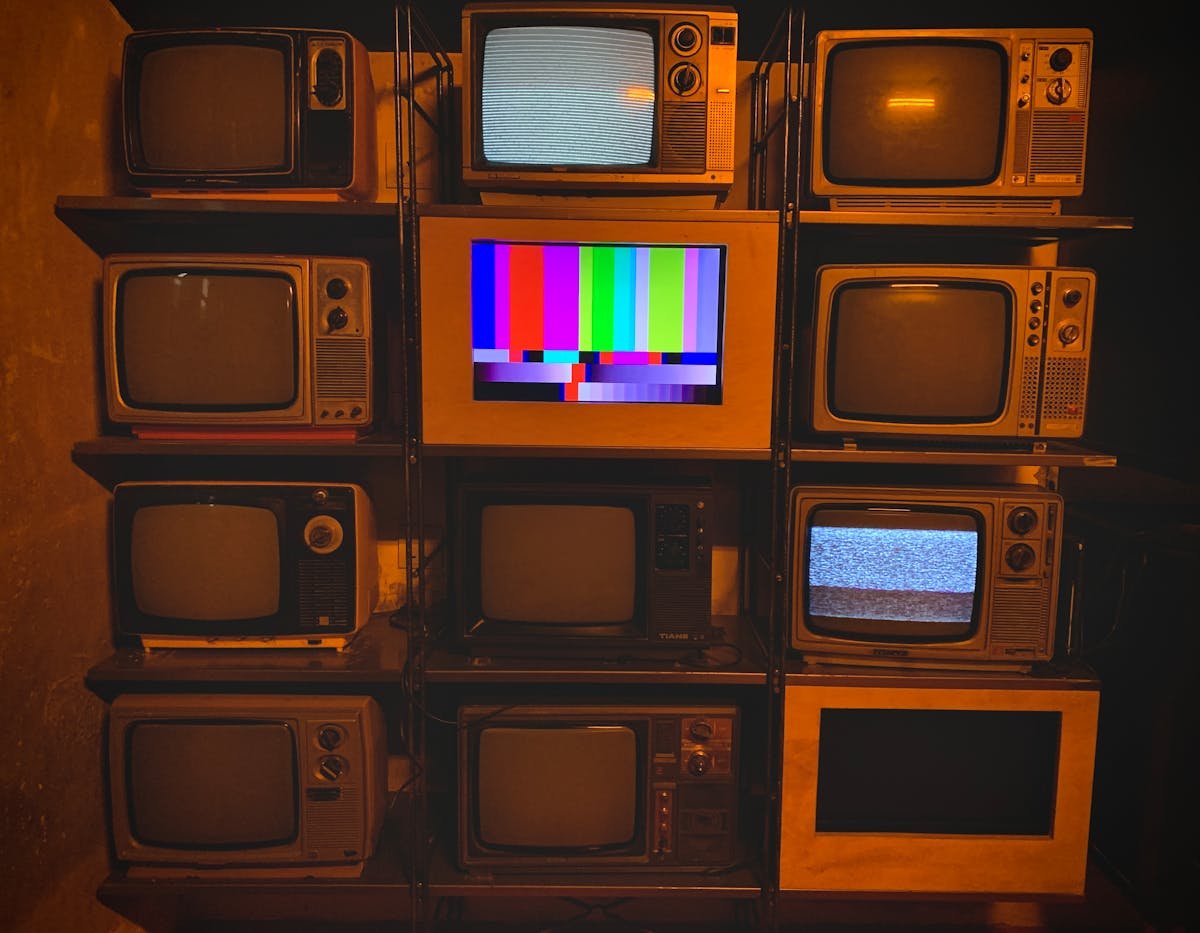
Channel Surfer is exactly what the name suggests: it turns your YouTube subscriptions into a retro cable TV guide, complete with the grid layout, channel numbers, and the unmistakable feeling of flipping through channels at 11 PM on a school night when you were supposed to be sleeping. It is free, open source, and — here is the part that actually matters — it works surprisingly well.
What Channel Surfer Actually Does
The concept is dead simple. You import your YouTube subscriptions (either via Google OAuth or by pasting a channel list), and Channel Surfer arranges them into a TV guide grid. Each channel gets a number. The currently airing video plays automatically. You can flip up and down through channels just like the old days, except instead of ESPN and Cartoon Network you get Fireship and 3Blue1Brown.
Built by Steven Irby of Random Daily URLs, Channel Surfer uses Next.js on the frontend and the YouTube Data API on the backend. It is a relatively lean stack for something that delivers this much dopamine. The entire thing loads in under two seconds on a decent connection, which is more than I can say for YouTube itself these days.
Sandra from our design team — the one who still keeps a working VCR in her apartment and will tell you about it unprompted — spent an entire lunch break just cycling through channels. She described the experience as "aggressively comforting," which I think is the highest compliment a nostalgia product can receive.
Why This Is Not Just Another Nostalgia Gimmick
Look, I am fully aware that "what if [modern thing] but retro" is the most overplayed format on the internet right now. Someone built a floppy disk UI for Spotify last month and it got 2,000 upvotes on Reddit. The bar is low. But Channel Surfer solves a real problem that I did not realize I had: decision fatigue on YouTube.
I have 237 subscriptions. YouTube shows me about 15 of them on my homepage, and they are always the same ones — MrBeast, some cooking channel I watched once in 2023, and whatever video has the highest predicted click-through rate according to The Algorithm. Channel Surfer bypasses all of that. It just shows you what is on, in order, and lets you flip. No recommendations. No autoplay rabbit holes. No "Up Next" sidebar trying to radicalize you into watching a three-hour video essay about why a cartoon bear is actually a metaphor for late capitalism.
Tom, who sits across from me and has been complaining about the YouTube algorithm since approximately 2019, called it "the best YouTube experience I have had in five years." He then immediately spent $14.99 on a USB number pad so he could flip channels by pressing numbers, which is the most Tom thing that has ever happened.
The Technical Bits (for Those Who Care)
Channel Surfer is built on Next.js with server-side rendering for the initial channel grid. The YouTube Data API handles subscription imports and video metadata. Playback uses the standard YouTube IFrame Player API, which means you get all the usual controls — volume, quality, subtitles — plus the channel-flipping overlay.
One thing I appreciate: it does not require a Google account to use. You can manually add channels by URL, which means you can set up a custom "cable package" without giving Steven Irby access to your entire YouTube history. Privacy-conscious users (Derek has been on a privacy kick ever since he spent $1,200 on a refurbished ThinkPad to run Qubes OS) will appreciate this.
The app is entirely client-side after initial load. Your channel list is stored in localStorage, not on any server. This is both a feature and a limitation — it means your setup does not sync across devices, but it also means there is genuinely no tracking or data collection happening beyond what YouTube itself does through its embed player.
What Is Missing (And Why It Does Not Really Matter)
There is no mobile app yet, though the web version works surprisingly well on phones in landscape mode. There is no DVR or scheduling feature — you cannot set it to record Linus Tech Tips at 3 PM, which honestly would have been amazing. And the "what is on now" logic is based on upload times rather than actual schedules, since YouTube creators do not broadcast live on a fixed schedule the way TV networks do.
These are all fair criticisms, and none of them matter. The point of Channel Surfer is not to be a perfect recreation of cable TV. The point is to recreate the feeling of cable TV — the passive discovery, the low-stakes channel flipping, the comfort of having something on in the background that you did not actively choose. And at that, it absolutely nails it.
The Nostalgia Factor Is Real
I showed Channel Surfer to six people in my office. Four of them immediately said some variation of "this reminds me of being a kid." Rachel, our QA lead who grew up in a house with exactly four channels (she brings this up at every team happy hour, usually after the second beer), got genuinely emotional. "We used to fight over the remote," she said, holding her $1,400 MacBook Air. "Now I fight over whether to watch a 12-minute video about mechanical keyboards or a 45-minute video about mechanical keyboards."
Channel Surfer hit 472 points on Hacker News within hours of being posted, which puts it in rare territory for a Show HN project. The comments section was overwhelmingly positive, with the usual HN crowd finding ways to compliment something while also explaining how they would have built it differently using Rust and a custom media server (this is love, in HN parlance).
Should You Try It?
Yes. It takes about 90 seconds to set up, it is free, and worst case you lose five minutes to nostalgia. Best case, you fundamentally change how you consume YouTube content. I have been using it for three days now and my average YouTube session length has dropped from 47 minutes (I checked — Screen Time does not lie) to about 15 minutes of casual channel surfing. Whether that is because the format discourages binge-watching or because I got bored faster, the result is the same: I got back about 30 minutes of my day.
That is worth more than the $14.99 Tom spent on his number pad. Barely, but still.
Related Reading
If you enjoyed this piece on community-driven tools, check out how Hacker News banned AI-generated comments and why Meta bought a social network where humans are not allowed.
Related Reading
If you found this useful, check out these related articles:
— Written from the perspective of Warung Digital Teknologi (wardigi.com), where we test software in real client deployments rather than demo environments.